
Social Proof Notifications for Shopify: The Complete FOMO Setup Guide
Learn how to set up real-time social proof notifications that boost conversions by 15-25%. Purchase notifications, visitor counts, low stock alerts, and more for your Shopify store.
Social Proof Notifications for Shopify: The Complete FOMO Setup Guide
"Sarah from Austin just purchased this item."
You've seen these notifications everywhere. Amazon, Booking.com, every successful DTC brand. They work because humans are wired to follow the crowd.
This is social proof—and it's one of the highest-ROI conversion tactics you can implement. Studies show social proof notifications increase conversions by 15-25%, with some stores seeing up to 40% lifts.
Here's everything you need to know about setting up social proof notifications that actually convert.
What are social proof notifications?
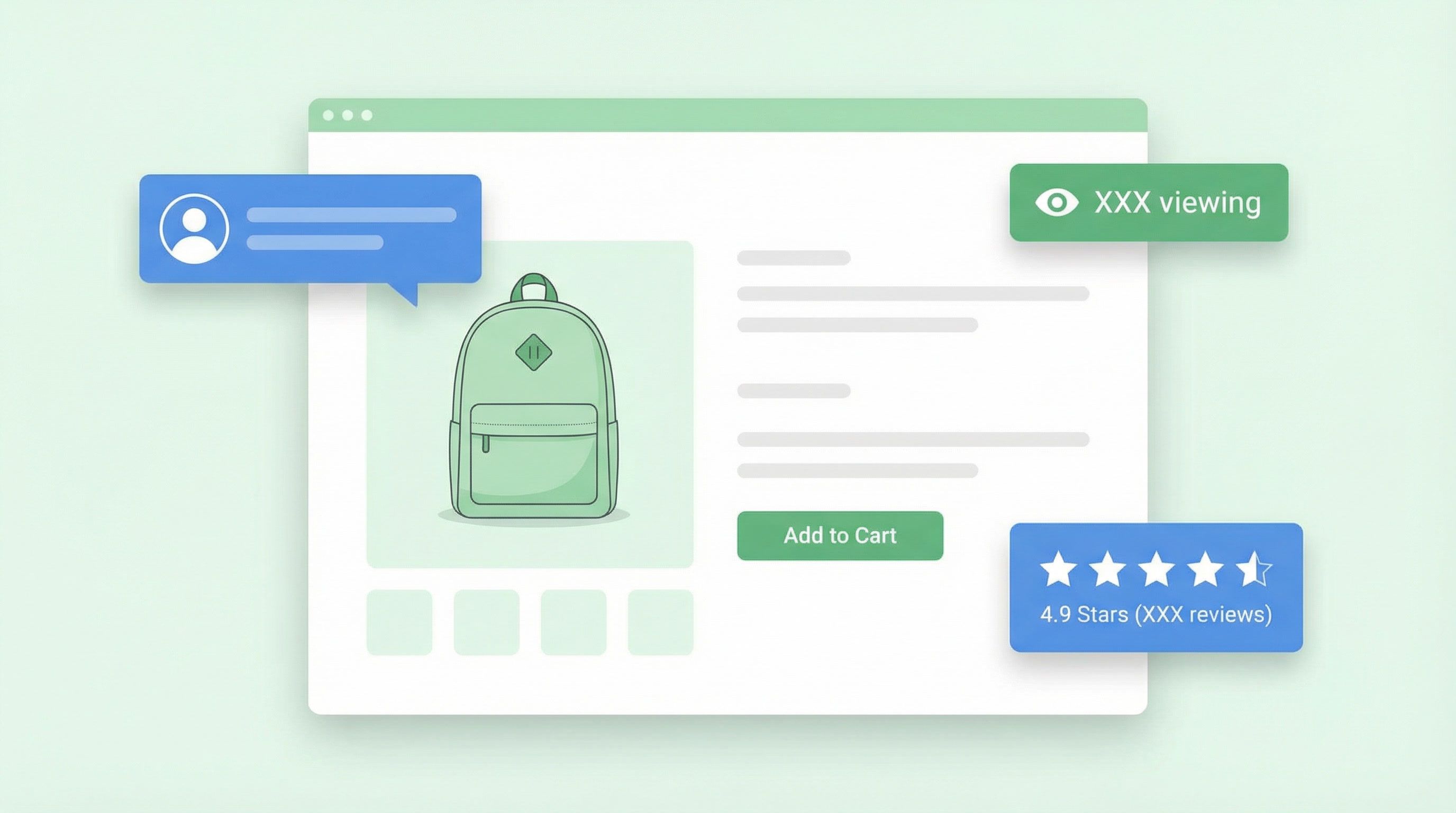
Social proof notifications are small, real-time popups that show other shoppers' activity on your store. They appear in the corner of the screen and cycle through different types of social validation:
- "John D. from New York just purchased Classic T-Shirt"
- "23 people are viewing this product right now"
- "47 people bought this in the last 24 hours"
- "Only 3 left in stock!"
- "⭐ 4.8 stars from 1,234 reviews"
These notifications create urgency, build trust, and trigger FOMO (fear of missing out)—all proven psychological drivers of purchase behavior.
The psychology behind social proof
Social proof works because of three core psychological principles:
1. Herd behavior
When people are uncertain, they look to others for guidance. "If others are buying, it must be good." This is why purchase notifications are so effective—they show that real people are making the same decision.
2. Scarcity
Limited availability increases perceived value. Low stock alerts and visitor counts create urgency by implying the product might sell out. "If I don't buy now, I might miss out."
3. Authority through numbers
Large numbers build credibility. "47 people bought this today" or "1,234 reviews" signals that this product is popular and trusted. Quantity becomes quality in the buyer's mind.
Types of social proof notifications (ranked by impact)
Not all social proof is created equal. Here's what works best, ranked by conversion impact:
Tier 1: Highest Impact (+15-25% conversion)
| Type | Example | Why It Works |
|---|---|---|
| Purchase notifications | "Sarah M. from Austin just purchased" | Real transactions = real trust |
| Live visitor count | "23 people viewing this now" | Creates urgency and validation |
| Sales count (24h) | "47 sold in last 24 hours" | Proves popularity with data |
Tier 2: Strong Impact (+10-18% conversion)
| Type | Example | Why It Works |
|---|---|---|
| Low stock alerts | "Only 3 left in stock!" | Maximum scarcity urgency |
| Trending indicators | "🔥 Trending - 50+ views today" | Social validation |
| Cart activity | "3 people added this to cart" | Competitive urgency |
Tier 3: Supporting Impact (+5-10% conversion)
| Type | Example | Why It Works |
|---|---|---|
| Review highlights | "⭐ 4.8 from 1,234 reviews" | Authority through ratings |
| Recently viewed | "15 people viewed in last hour" | Popularity signal |
Real vs fake social proof: why authenticity matters
Here's where most social proof apps fail: they fake it.
Many tools generate random names and locations, showing purchases that never happened. This might work short-term, but it's:
- Deceptive (and potentially illegal in some jurisdictions)
- Risky (one customer noticing = brand damage)
- Less effective (real data patterns feel more authentic)
Revenue Boost only shows real Shopify order data. Every "just purchased" notification comes from an actual order in your store. Customer names are anonymized for privacy ("John D.") but the purchases are genuine.
This matters because:
- You never risk misleading customers
- Real purchase patterns feel more natural
- You stay compliant with consumer protection laws
- Your credibility remains intact
How to set up social proof notifications (with Revenue Boost)
Revenue Boost is one of the few Shopify apps that includes social proof notifications as a built-in feature—no need for separate Fomo or TrustPulse subscriptions.
Step 1: Create a social proof campaign
Go to Campaigns → New Campaign → Social Proof. Choose from pre-built templates:
- Recent Purchases: Classic purchase notifications
- Visitor Activity: Live traffic counts
- Complete Social Proof: All notification types in rotation
- Minimal Dark: Sleek dark theme for tech/fashion stores
- Luxury Elegant: Sophisticated design for premium brands
- Urgency Boost: Fast-rotating for flash sales
Step 2: Configure notification types
Toggle which notifications to display:
✅ Purchase Notifications (recommended)
✅ Visitor Count
✅ Sales Count (24h)
☐ Low Stock Alerts
☐ Trending Products
☐ Cart Activity
Start with the Tier 1 notifications. Add Tier 2 once you've validated the impact.
Step 3: Set display preferences
| Setting | Recommended Value | Why |
|---|---|---|
| Position | Bottom-left | Less intrusive than bottom-right |
| Display duration | 5 seconds | Long enough to read, short enough to not annoy |
| Rotation interval | 8 seconds | Gap between notifications |
| Max per session | 5 notifications | Prevent fatigue |
| Initial delay | 3 seconds | Let page load first |
Step 4: Customize privacy settings
Revenue Boost includes GDPR-compliant privacy options:
- Anonymize names: "John D." instead of "John Doe" (recommended)
- Show location: "from New York, NY" adds authenticity
- Purchase lookback: How far back to pull order data (48 hours default)
- Minimum visitor count: Only show visitor counts above threshold (5 default)
Step 5: Match your brand
Customize the notification design:
- Background color: Match your site's color scheme
- Text color: Ensure readability
- Accent color: For highlights and links
- Show verified badge: ✓ symbol for authenticity
- Show product images: Visual recognition
Step 6: Set targeting rules
Control when social proof appears:
- Pages: All pages, product pages only, or specific collections
- Devices: Desktop, mobile, or both
- Visitors: New visitors, returning customers, or all
- Frequency: Once per session, once per day, always
Best practices for social proof notifications
Do: Start subtle, then optimize
Don't blast visitors with 10 notifications per page. Start with:
- 3-5 notifications per session
- 8-second gaps between notifications
- Product pages only (highest intent)
Monitor your conversion rate and adjust from there.
Do: Match notification type to page context
| Page Type | Best Notification Types |
|---|---|
| Product page | Purchases, visitors, low stock, reviews |
| Collection page | Trending, sales count |
| Homepage | Recent purchases, visitor count |
| Cart page | Low stock alerts, sales count |
Do: Use real data only
Fake social proof is a short-term hack with long-term consequences. One viral tweet exposing fake notifications can tank your brand reputation. Stick with real data.
Don't: Show zero-state notifications
If a product has no recent purchases, don't show "0 people bought this." Either hide the notification or show a different type (visitor count, reviews).
Don't: Overwhelm mobile users
Mobile screens are smaller. Consider:
- Fewer notifications on mobile (3 max per session)
- Shorter display duration (4 seconds)
- Bottom-left position (avoids thumb zone)
Don't: Use on checkout pages
Never interrupt the checkout flow with social proof. Once they're paying, let them pay. Social proof belongs on discovery and product pages.
Social proof vs competitors: why most stores need a separate app
| Feature | Revenue Boost | Fomo | TrustPulse | Nudgify |
|---|---|---|---|---|
| Real Shopify data | ✅ Yes | ✅ Yes | ❌ Fake data | ✅ Yes |
| Included with popups | ✅ Built-in | ❌ Separate app | ❌ Separate app | ❌ Separate app |
| Purchase notifications | ✅ Yes | ✅ Yes | ✅ Yes | ✅ Yes |
| Visitor count | ✅ Yes | ❌ No | ✅ Yes | ✅ Yes |
| Low stock alerts | ✅ Yes | ❌ No | ❌ No | ✅ Yes |
| Trending/cart activity | ✅ Yes | ❌ No | ❌ No | ❌ No |
| Privacy controls | ✅ Full | Partial | Partial | Partial |
| Starting price | Included | $25/mo | $5/mo | $9/mo |
The key difference: Revenue Boost includes social proof as part of the popup platform. You don't need to pay for and manage a separate app. Everything—popups, cart recovery, social proof—works together in one system.
Measuring social proof impact
Track these metrics to validate ROI:
Primary metrics
- Conversion rate: Overall and by notification type
- Add-to-cart rate: Especially on product pages
- Session duration: Engaged visitors stay longer
Secondary metrics
- Notification impressions: Are people seeing them?
- Click-through rate: If notifications are clickable
- Dismiss rate: Too many dismisses = too aggressive
How to A/B test social proof
- Split test enabled vs disabled: Measure true lift
- Test notification types: Purchase vs visitor vs combo
- Test frequency: 3 vs 5 vs 10 per session
- Test position: Bottom-left vs bottom-right
Revenue Boost includes A/B testing with statistical significance, so you know when results are real vs noise.
Advanced tactics for power users
1. Product-specific notification strategies
High-ticket items: Show purchase notifications to build trust Low-stock items: Emphasize scarcity alerts New arrivals: Show visitor activity and trending indicators
2. Seasonal adjustments
- Black Friday/Cyber Monday: Increase frequency, add urgency messaging
- Slow periods: Reduce frequency to avoid showing low activity
- New product launches: Focus on visitor counts initially
3. Combine with other popups
Social proof works best alongside:
- Exit-intent popups (recapture leaving visitors)
- Cart abandonment recovery (continue the urgency)
- Email capture (capture leads shown social proof)
Revenue Boost coordinates all these automatically—no duplicate or conflicting popups.
FAQ: Social proof notifications
Is social proof legal?
Yes, as long as you show real data. Fake social proof (fabricated purchases) may violate consumer protection laws in some jurisdictions. Always use genuine order data.
How many notifications per session is too many?
Start with 5 per session. If dismiss rates are high (>10%), reduce to 3. Power users can test up to 10, but watch for fatigue signals.
Should I show social proof to returning customers?
Yes, but consider reducing frequency. Returning customers already trust you—show social proof to reinforce, not convince.
What if I'm a new store with few orders?
Focus on visitor count notifications instead of purchases. "23 people viewing this" works even without sales history. As orders come in, switch to purchase notifications.
Can social proof hurt my brand?
Only if it's fake, overly aggressive, or poorly designed. Authentic, tasteful social proof enhances credibility. The key is matching the design to your brand and not overwhelming visitors.
Does social proof work on mobile?
Yes, but optimize for smaller screens. Use bottom-left positioning, shorter durations, and fewer notifications per session.
Get started with social proof
Social proof notifications are one of the highest-ROI tactics in e-commerce. They require minimal setup and start driving results immediately.
Here's your action plan:
- Install Revenue Boost on your Shopify store
- Create a social proof campaign from the templates
- Enable purchase + visitor notifications (start with Tier 1)
- Set conservative frequency (5 per session, 8-second gaps)
- Target product pages first (highest intent)
- Monitor conversion rate for 2-4 weeks
- A/B test notification types and frequency
Most stores see measurable conversion lifts within the first week. Social proof works because it's based on fundamental human psychology—and it'll keep working as long as people follow the crowd.
Ready to boost your conversions?
Get started with Revenue Boost in 60 seconds.
Install on Shopify - Free