
Multi-Channel Cart Recovery: The Complete Guide to WhatsApp, SMS, Email & Push for Shopify
Learn how to recover 35%+ of abandoned carts using intelligent multi-channel recovery. Compare channels, understand contact reconciliation, and see why unified messaging beats single-channel approaches.
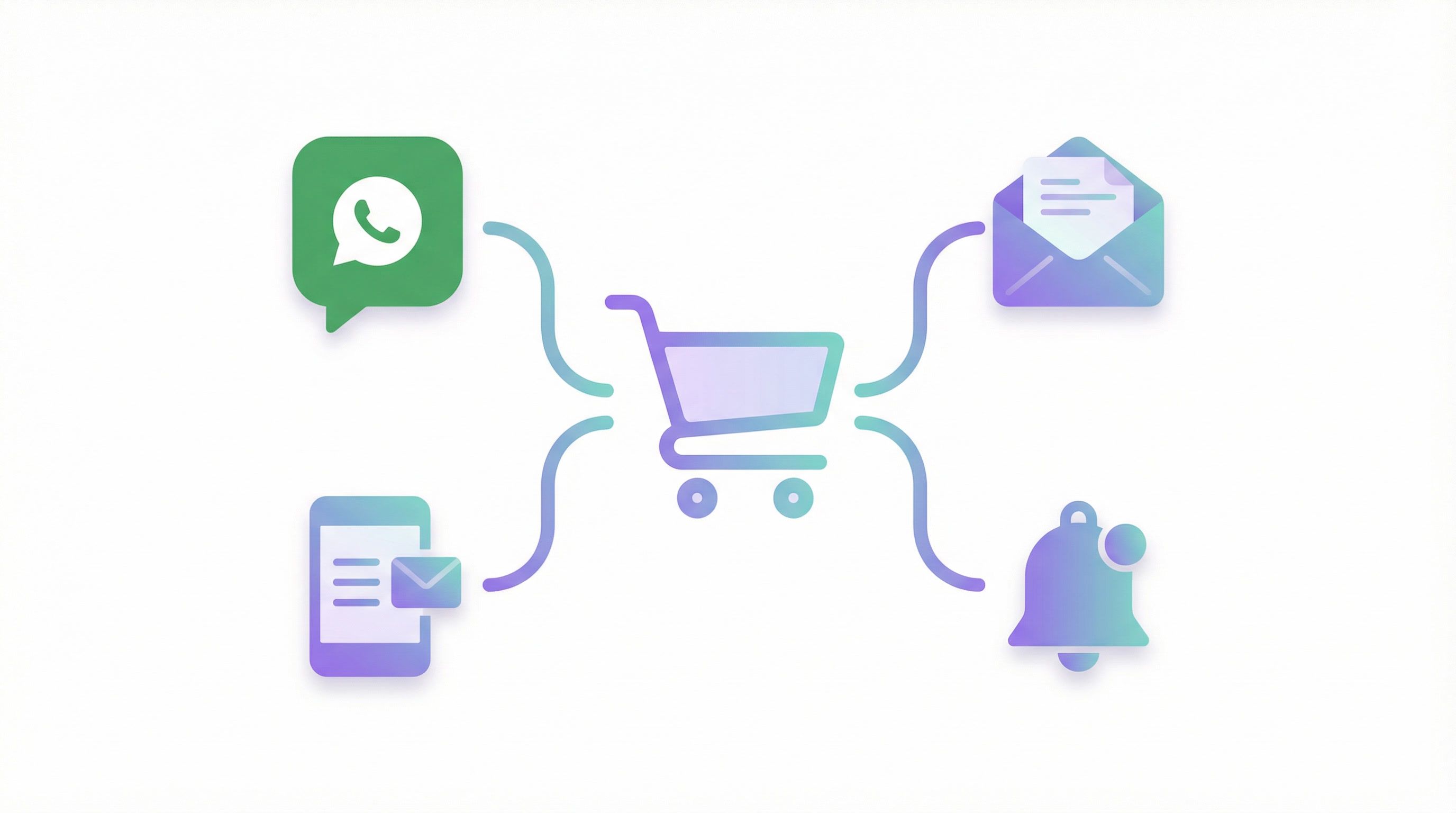
Multi-Channel Cart Recovery: The Complete Guide to WhatsApp, SMS, Email & Push for Shopify
You're leaving money on the table. A lot of it.
The average Shopify store has a 70% cart abandonment rate. That's $7 out of every $10 walking out the door. Email-only recovery captures maybe 5-10% of those lost carts. But what if you could reach customers on their preferred channel—WhatsApp, SMS, push, or email—at exactly the right moment?
That's multi-channel cart recovery. And stores doing it right are seeing 35%+ recovery rates.
Why single-channel cart recovery is dead
Think about how you use your phone. You might ignore emails for hours, but you check WhatsApp immediately. Push notifications grab your attention during browsing. SMS cuts through when other channels fail.
Your customers are the same. Sending cart recovery only through email means you're missing customers who:
- Rarely check email (Gen Z, anyone?)
- Have overflowing inboxes (promotions tab graveyard)
- Respond better to immediate, personal channels
- Are already in your store via push-enabled browsers
The data is clear:
| Channel | Open Rate | Click Rate | Best For |
|---|---|---|---|
| 15-25% | 2-5% | Detailed content, product images | |
| SMS | 90-98% | 15-30% | Urgency, time-sensitive offers |
| 95-98% | 35-50% | Personal engagement, conversations | |
| Push | 50-70% | 10-20% | Immediate reach, free, anonymous users |
Using all four channels intelligently doesn't just add up—it multiplies.
The contact reconciliation problem (and why most tools fail)
Here's where most cart recovery tools break down: they can't connect the dots.
A customer visits your site anonymously. Later, they subscribe to push notifications. The next week, they submit their email in a popup. Then they log in with their Shopify account.
Question: Is this one customer or four?
Most tools treat them as separate entities. You end up with:
- Duplicate contacts eating up your subscriber count
- Fragmented messaging that feels disjointed
- Wasted spend sending to the same person multiple times
- No single customer view for support or personalization
Contact reconciliation solves this by unifying all touchpoints into a single profile. When that anonymous visitor logs in with their Shopify account, their push subscription, email capture, and browsing history all merge into one record.
This matters for cart recovery because:
- You can reach the same customer across multiple channels without duplication
- When they recover on push, you don't send them an email too
- You build a complete picture for future personalization
- Your analytics actually reflect reality
How Revenue Boost handles multi-channel recovery
Revenue Boost is built from the ground up for multi-channel cart recovery with intelligent contact reconciliation.
Four Channels, One Unified System
| Channel | Status | Cost | Key Features |
|---|---|---|---|
| ✅ Available | ~$0.05/msg | 98% open rate, conversational, rich media | |
| SMS | ✅ Available | ~$0.015/msg (US) | Universal reach, no app required |
| ✅ Available | ~$0.01/msg | Detailed templates, product images | |
| Push | ✅ Available | Free | Instant delivery, no contact info needed |
Intelligent Sequencing
The magic is in the orchestration. Revenue Boost's "Push-First" recovery strategy starts with free push notifications and only escalates to paid channels when needed:
- First Message (30 min): Push notification (free)
- Second Message (4 hours): Push notification if no action (free)
- Third Message (12 hours): WhatsApp or SMS if still abandoned
- Fourth Message (24 hours): Email with full cart details
- Final Message (48 hours): Last chance with incentive
This approach typically saves 40-60% on messaging costs while maintaining recovery rates.
Unified Contact Identity
Here's what happens when a customer interacts with your store:
Anonymous visitor → subscribes to push → enters email in popup → logs into Shopify account
Revenue Boost's reconciliation engine:
- Matches by Shopify Customer ID (highest priority)
- Falls back to email matching
- Then phone number matching
- Finally, visitor ID (browser fingerprint)
Result: One unified contact record with complete history across all channels and sessions.
Channel comparison: when to use what
WhatsApp: The Engagement King
Best for: High-value carts, relationship building, conversational support
WhatsApp delivers the highest engagement rates of any channel. When a cart reminder lands in someone's WhatsApp, it feels personal—like a message from a friend, not marketing noise.
Pros:
- 98% open rate (vs 20% email)
- Messages read within minutes
- Conversational—customers can reply with questions
- Rich media: images, buttons, quick replies
- Cheaper than SMS at scale
Cons:
- Requires explicit opt-in
- Template approval process
- Not universal (lower adoption in some markets)
SMS: Universal Reach
Best for: Time-sensitive offers, older demographics, markets without WhatsApp
SMS reaches everyone with a phone—no apps, no internet required. It's the nuclear option for cart recovery.
Pros:
- 90%+ open rates
- Works on any phone
- No app installation needed
- Immediate delivery
Cons:
- Highest cost per message
- Character limits
- Carrier filtering risks
- TCPA/compliance complexity
Email: The Workhorse
Best for: Detailed product showcases, lower-value carts, nurturing sequences
Email is cheap and flexible. You can include full product images, detailed descriptions, and multiple CTAs. It's less intrusive than messaging channels.
Pros:
- Lowest cost per message
- Rich formatting, unlimited length
- Familiar to all users
- Easy to scale
Cons:
- 15-25% open rates
- Lands in promotions tab
- Delayed reading (hours, not minutes)
- Inbox competition
Push Notifications: The Free Channel
Best for: Anonymous visitors, first-touch recovery, cost-conscious stores
Push is the hidden gem. It's completely free, reaches anonymous visitors, and fires instantly. The catch: users must have enabled notifications in their browser.
Pros:
- Zero cost per message
- Reaches anonymous visitors (no email needed)
- Instant delivery
- Native browser integration
Cons:
- Requires browser permission
- Desktop-focused (mobile browser support varies)
- Lower click-through than messaging apps
- Permission can be revoked
Multi-channel cart recovery vs competitors
Most cart recovery tools force you to choose a single channel or bolt-on multiple disconnected solutions. Here's how Revenue Boost compares:
| Feature | Revenue Boost | Klaviyo | Recart | Omnisend | Privy |
|---|---|---|---|---|---|
| Email Recovery | ✅ | ✅ | ❌ | ✅ | ✅ |
| SMS Recovery | ✅ | ✅ | ✅ | ✅ | ✅ |
| WhatsApp Recovery | ✅ | ❌ | ❌ | ❌ | ❌ |
| Push Recovery | ✅ | ❌ | ❌ | ✅ | ❌ |
| Contact Reconciliation | ✅ | Partial | ❌ | Partial | ❌ |
| Push-First Strategy | ✅ | ❌ | ❌ | ❌ | ❌ |
| Popup Lead Capture | ✅ (15+ templates) | ❌ | Limited | ✅ | ✅ |
| Unified Analytics | ✅ | ✅ | ✅ | ✅ | ✅ |
Why unified matters more than "multi"
Having multiple channels isn't enough. You need:
- Single customer view: One profile per person, regardless of how they identify
- Cross-channel sequencing: Automatic escalation from free to paid channels
- Stop-on-recovery: Immediately halt all messages when customer converts
- Channel preferences: Respect where each customer prefers to be reached
- Unified analytics: See recovery performance across all channels in one dashboard
Revenue Boost handles all five natively. Most competitors require you to stitch together multiple tools—Klaviyo for email, a separate WhatsApp provider, another push service—each with its own contact database and billing.
Setting up multi-channel cart recovery (step by step)
Step 1: Enable Push Notifications (Free Tier)
Push is the easiest win. No phone numbers, no email required.
- Install a push opt-in popup (Revenue Boost includes this)
- Configure your push notification prompts
- Set up cart abandonment trigger (typically 30 minutes of inactivity)
- Create simple reminder message
Pro tip: Don't ask for push permission immediately. Trigger after 2-3 page views or when showing an offer popup.
Step 2: Collect Email + Phone with Smart Popups
Use exit-intent popups and spin-to-win wheels to capture contact info before abandonment happens.
Revenue Boost popups include:
- Email field (required)
- Phone field (optional, with format validation)
- SMS/WhatsApp consent checkbox (legally compliant)
- Automatic Shopify discount code generation
Step 3: Connect Your Messaging Channels
WhatsApp Setup:
- Create WhatsApp Business account
- Connect to Meta Cloud API
- Get phone number verified
- Submit message templates for approval
SMS Setup:
- Configure Twilio or built-in SMS provider
- Set up phone number
- Ensure TCPA compliance
Email Setup:
- Connect SendGrid or existing ESP
- Configure from address and domain
- Create email templates
Step 4: Design Your Recovery Sequence
Example "Push-First" sequence for cost optimization:
| Step | Timing | Channel | Message |
|---|---|---|---|
| 1 | 30 min | Push | "Your cart is waiting! 🛒" |
| 2 | 4 hours | Push | "Items selling fast—don't miss out" |
| 3 | 12 hours | WhatsApp/SMS | "Hi [name], still thinking about your cart?" |
| 4 | 24 hours | Full cart recovery with product images | |
| 5 | 48 hours | WhatsApp/SMS | "Last chance + 10% off with code SAVE10" |
Key principles:
- Start with free channels (push)
- Escalate to paid only when needed
- Stop immediately on recovery or unsubscribe
- Reserve discounts for final messages
Step 5: Monitor and Optimize
Track these metrics across all channels:
- Recovery rate: Recovered carts / abandoned carts
- Revenue per message: Total recovered / messages sent
- Channel efficiency: Recovery rate by channel
- Cost per recovery: Messaging costs / recovered carts
- Opt-out rate: Unsubscribes / messages sent (keep under 2%)
Real results from multi-channel recovery
Stores using Revenue Boost's multi-channel approach see dramatically better results:
Push-First Strategy Results:
- 40-60% reduction in messaging costs
- Same or higher recovery rates vs SMS-only
- Faster time-to-recovery (push reads in seconds)
- Higher opt-in rates (push feels less invasive than SMS)
Unified Contact Benefits:
- 25-35% reduction in duplicate messages
- Cleaner customer data for future campaigns
- Better support context (agents see full history)
- More accurate analytics and attribution
Advanced tactics for power users
Segment by cart value
Not all abandoned carts deserve the same treatment:
| Cart Value | Strategy |
|---|---|
| Under $50 | Push only, maybe 1 email |
| $50-200 | Full sequence, standard messaging |
| Over $200 | Personal outreach, phone call option, VIP treatment |
Timezone-aware messaging
Send messages during the customer's local business hours. A 3 AM WhatsApp message gets ignored—or worse, triggers an unsubscribe.
Revenue Boost stores customer timezone and schedules accordingly.
Quiet hours configuration
Respect customer peace. Default quiet hours (9 PM - 9 AM) prevent late-night messages that feel intrusive.
Channel fallback logic
If a customer has multiple contact methods, smart fallback ensures you reach them:
- Check if push permission exists → send push
- If no push or no engagement → check WhatsApp consent → send WhatsApp
- If no WhatsApp → check SMS consent → send SMS
- Fallback to email
This ensures maximum reach while respecting preferences and consent.
FAQ
How is contact reconciliation different from deduplication?
Deduplication removes duplicates after they're created. Reconciliation prevents them from existing in the first place by matching identifiers in real-time as contacts are captured.
Can I use my existing email provider with Revenue Boost?
Yes. Revenue Boost works with any email platform via Shopify's native customer data sync. Your captured leads flow directly to your ESP.
Do I need all four channels enabled?
No. Start with push (free) and email (cheap), then add WhatsApp and SMS as you scale. The system adapts to available channels.
What about GDPR and TCPA compliance?
Revenue Boost includes compliant consent collection with:
- Explicit opt-in checkboxes for SMS/WhatsApp
- GDPR-compliant privacy policy links
- Automatic opt-out handling
- Consent timestamps stored for auditing
How long should I wait before sending the first recovery message?
30-60 minutes is the sweet spot. Earlier feels pushy. Later and they've moved on.
Get started with multi-channel cart recovery
- Install Revenue Boost on your Shopify store
- Enable push notifications (free, immediate ROI)
- Set up lead capture popups with phone field
- Connect WhatsApp/SMS when ready to scale
- Configure your recovery sequence (start with push-first template)
- Monitor, test, iterate
The stores recovering 35%+ of abandoned carts aren't using magic—they're using all available channels intelligently, with unified contact data that prevents waste and improves experience.
Stop leaving money on the table. Multi-channel cart recovery isn't the future—it's the baseline for competitive Shopify stores today.
Ready to boost your conversions?
Get started with Revenue Boost in 60 seconds.
Install on Shopify - Free