
How To Increase Conversions With Geo-Targeting
Shopify geo-targeting apps, legal considerations, and ROI case studies for international stores.
Sarah Mitchell
Certified Shopify Expert · Google Analytics Certified · 8+ years in e-commerce
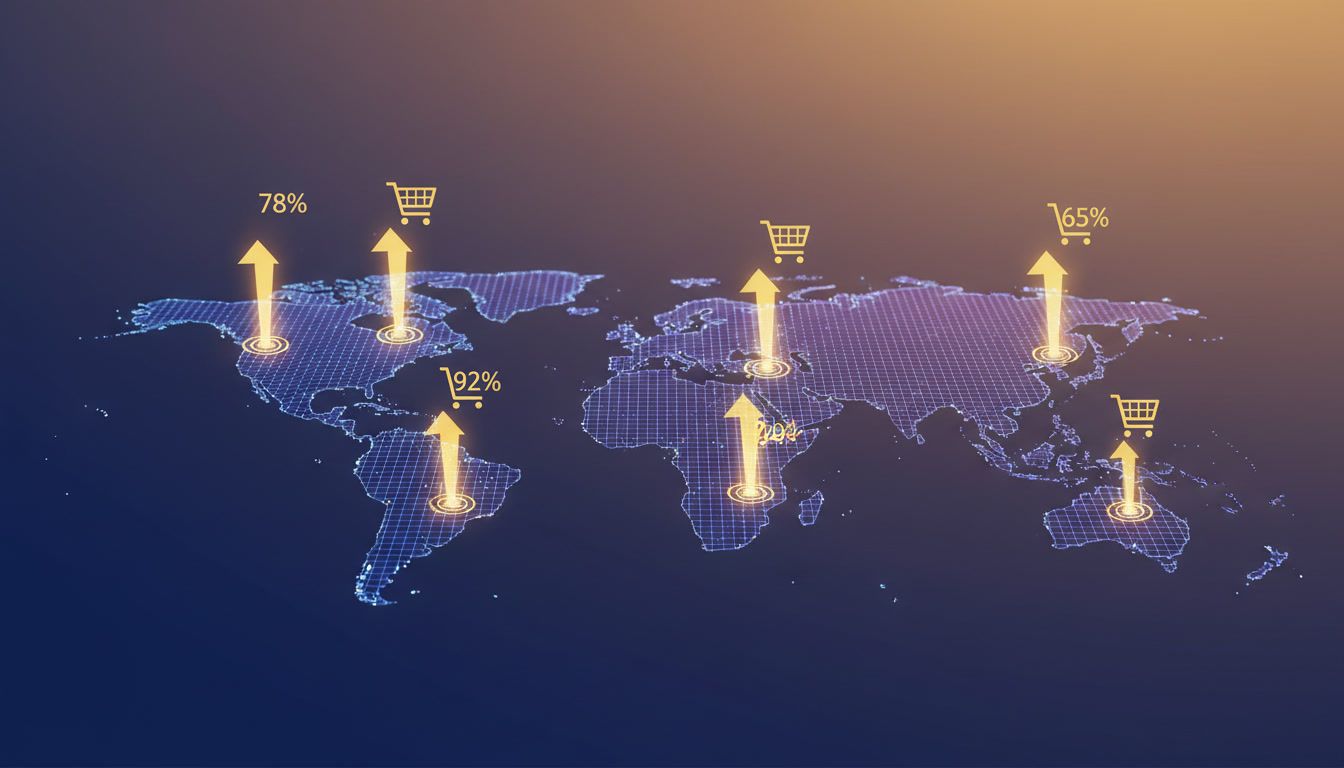
How To Increase Conversions With Geo-Targeting on Shopify
High-performing ecommerce teams already squeeze plenty from creative, ads, and funnel tweaks. The next gains come from delivering location-aware experiences that feel native to each visitor. Geo-targeting isn’t just for ads—it rewires merchandising, pricing, messaging, and compliance so shoppers trust you faster and convert more often.
Why Geo-Targeting Moves Conversion Numbers
Advanced ecommerce stores see immediate efficiency when offers, language, and logistics match the shopper’s context. A recent CRO report shows AI-driven, geo-personalized journeys lift conversions by 36% and raise average order value up to 12% for brands using granular location rules (The Full E-commerce CRO Guide for 2025). Climate-aware merchandising drove a 100% revenue-per-session lift for Helly Hansen when surfacing weather-relevant products by location (geolocation personalization strategies). Geo-targeting also trims wasted spend and increases lead quality by keeping ad relevance and landing-page continuity tight (geo-targeting improves ad relevance).
Core Pillars of Geo-Targeted UX
Localized merchandising and inventory
- Auto-prioritize products that fit regional seasonality and inventory depth. A Canadian visitor should see insulated outerwear before beach sandals.
- Map local search terms to category pages (e.g., “trainers” in the UK vs. “sneakers” in the US).
- Show closest fulfillment node and cutoff times dynamically to reduce delivery anxiety.
Dynamic pricing, taxes, and duties
- Present currency natively and include duties at checkout to prevent sticker shock.
- For EU/UK buyers, surface VAT-inclusive prices; for US buyers, keep tax handling state-aware.
- Lean on Shopify Markets for tax/duty calculation and price rounding consistency.
Geo-aware messaging and social proof
- Swap copy to match location: coastal regions see sun care bundles, cold regions see thermal kits.
- Use city/region-aware urgency and scarcity messaging carefully; keep it truthful and time-bound.
- Rotate reviews from nearby customers to build trust.
Payments, compliance, and data minimization
- Offer region-preferred payment rails (iDEAL, Sofort, Klarna, Afterpay) based on IP and browser locale.
- Pair geo experiences with consent: use a geo-aware consent banner to request location data only when needed. Ensure opt-in for any cookie-based tracking in GDPR/CPRA regions.
- Store only the minimum location data required for experience delivery, and set retention limits.
Performance and SEO hygiene
- Avoid heavy geo redirects; prefer lightweight content swaps to protect crawlability.
- Cache geo variants at the edge and keep critical CSS/JS lean to preserve LCP in distant regions.
Recommended Shopify Geo-Targeting Stack
- Shopify Markets: Baseline for currencies, duties, and localized domains.
- Shopify Geolocation App: Prompts locale/currency switching and respects Markets configuration.
- Geo Targetly: Granular redirects, content blocks, and A/B testing for location rules, with strong rules-based targeting. Its CRO data shows the 36% lift and 12% AOV gain for personalized flows (CRO guide).
- EasyLocation – Geo Redirects: Lightweight redirect and announcement bar for country recommendations; useful for routing to dedicated storefronts.
- Translate & Adapt or Weglot: Language detection and translation for multilingual markets.
- Revenue Boost: Geo-aware popups (newsletter, spin-to-win, flash sale, exit-intent) plus A/B testing and GDPR consent handling, so you can experiment safely without custom dev.
Playbook: Building High-Converting Geo Experiences
1) Map markets to motivations
- Use analytics to group your traffic into 5–8 meaningful regions (not 50). Anchor on climate, shipping promise, and payment preference.
- Build a “reason to buy now” per region: winter arrivals, festival drops, or local holidays.
2) Localize the first fold
- Hero image, headline, currency, and CTA should match the visitor’s location and device. Edge-rendered hero variants keep page speed intact.
- Add nearest shipping cutoff and a local delivery badge to reduce bounce.
3) Geo-personalize merchandising
- Swap collections and sort order by weather, inventory, and margin. Surface regionally profitable SKUs first.
- Show store availability if you have omnichannel footprint; let shoppers reserve locally.
4) Offers and pricing that feel fair
- Harmonize discounts with local MSRP norms; 10% in one region can feel stingy and premium in another.
- Test duty-inclusive vs. duty-at-checkout in Markets; monitor cart drop-off by region.
5) On-site messaging and social proof
- Rotate testimonials from nearby cities to increase authenticity.
- Deploy exit-intent offers tuned to shipping realities (e.g., “Order in the next 2 hours for Monday delivery in Berlin”).
6) Geo-aware capture and popups
- Use conditional popups: EU visitors get GDPR-friendly consent copy; Australia sees free express upgrade messaging.
- Pair spin-to-win with localized prize pools (gift cards in local currency, regionally relevant freebies).
- Keep variants A/B tested. A tool like Revenue Boost lets you split-test local incentives, capture timing, and copy without developer cycles.
- For deeper email tactics, see how Shopify popup best apps compare for segmentation flexibility, or review proven popup conversion tips to refine triggers.
7) Checkout and payment fit
- Preselect the right payment wallets per region; hide options that add friction.
- Ensure addresses autofill correctly for international formats and block PO boxes where needed for carriers.
8) Experimentation and measurement
- Track conversions by region, device, and first-page variant. Use control markets to avoid confounding seasonal swings.
- Run 2-week tests for high-volume regions; 4–6 weeks for smaller markets to reach significance.
- Consider revenue per session, not just CVR, since AOV shifts with geo-targeted bundles.
9) Post-purchase localization
- Send localized order updates and returns instructions. Include duties handling to avoid surprises.
- Offer region-specific upsells in transactional emails.
ROI Snapshots
- Outerwear brand, Nordics vs. US: Swapped hero, prioritized insulated jackets for Nordic visitors, and added VAT-inclusive pricing. Conversion rate lifted 19%, AOV up 8%. Attribution: geolocation rules plus Markets rounding; validated via A/B.
- Beauty brand, Middle East launch: Added Arabic language via Translate & Adapt, enabled local wallets, and used geo popups for free expedited shipping. Revenue per session rose 14%, bounce fell 11%.
- Sports retailer, climate-driven recommendations: Climate data-powered collections increased revenue per session by 2x, mirroring the climate-based uplift highlighted in Fast Simon’s case study.
- DTC electronics, APAC expansion: Duty-inclusive pricing and local testimonials reduced cart abandonment. According to geo-targeting engagement findings, aligning messaging with local context cuts wasted spend—mirrored here by a 12% drop in paid search CPA.
- For recurring revenue recovery in international carts, blend geo-aware exit offers with proven flows from cart abandonment popup patterns.
Legal and Privacy Considerations
- Consent first: In GDPR/CPRA regions, request consent before non-essential geo tracking. Use a banner that discloses how location is inferred (IP, browser locale, or explicit selection).
- Data minimization: Only store the location granularity you need (country/region vs. city). Rotate or hash IP logs quickly.
- Cross-border data flows: If you move data from the EU to other regions, ensure your vendors support SCCs and keep a record of subprocessors.
- Ad disclosures: For paid campaigns, make sure geo exclusions and inclusions match the privacy notices you provide on landing pages.
- Accessibility: Offer manual locale selectors for VPN users or travelers; never lock shoppers into a forced redirect without an override.
Implementation Checklist (90-Day Sprint)
Weeks 1–2: Foundation
- Enable Shopify Markets for key regions; set rounding rules and duties.
- Install Shopify Geolocation App and a rules engine (Geo Targetly or EasyLocation) for content/promo swaps.
- Configure Revenue Boost popups for region-specific incentives and consent messaging.
Weeks 3–4: Localized UX
- Ship localized hero and navigation variants for top 5 regions.
- Add local payment options and test tax-inclusive displays where applicable.
- Translate core pages; ensure hreflang and canonical tags are correct.
Weeks 5–8: Experimentation
- A/B test geo popups (value prop, incentive, timing) per region; keep one control market untouched.
- Test climate-based merchandising vs. generic sorting.
- Run duty-inclusive vs. duty-excluded pricing tests; monitor cart step drop-off.
Weeks 9–12: Scale and QA
- Roll out winning variants globally; maintain a test backlog per region.
- Expand social proof library with local reviews.
- Add seasonal/holiday playbooks per region, refreshed quarterly.
FAQs
How accurate is IP-based geo-targeting today? IP accuracy is typically 95–99% at the country level and ~70–80% at city level. Always provide a manual selector and avoid hard-locking users to prevent false positives.
Do geo redirects hurt SEO? Heavy redirects can, especially if they block crawlers. Prefer user-choice banners and content swaps on a single URL, with hreflang for language markets. Keep performance strong to protect Core Web Vitals.
Which geo metrics matter most? Track conversion rate, revenue per session, AOV, and checkout abandonment by region. Add time-to-first-byte and LCP by market to catch latency-driven drop-off.
How do I stay compliant with privacy laws? Ask for consent before tracking location beyond what’s strictly necessary, document data flows, and provide clear opt-outs. Use tools with built-in GDPR controls for popups and analytics.
Geo-targeting is no longer a niche growth hack; it’s a systematic way to align expectations with reality for international shoppers. Start with Markets, layer in precise content and offer rules, and keep testing with a popup and personalization stack that respects privacy. If you need a fast path to geo-aware offers, testing, and consent-friendly capture, try Revenue Boost to roll out localized popups without adding engineering debt.
About Sarah Mitchell
Certified Shopify Expert · Google Analytics Certified · 8+ years in e-commerce
Sarah is an e-commerce growth specialist with over 8 years of experience helping Shopify merchants scale their businesses. She has worked with 200+ online stores, specializing in conversion optimization and email marketing strategies.
Ready to boost your conversions?
Get started with Revenue Boost in 60 seconds.
Install on Shopify - Free