Free Cart Recovery with Push Notifications: The Channel No One's Using
Recover abandoned carts for free using web push notifications. Learn how to reach anonymous visitors, save 40-60% on messaging costs, and set up push-first cart recovery for Shopify.
Free Cart Recovery with Push Notifications: The Channel No One's Using
You're paying for every cart recovery message. SMS costs $0.015-0.05. WhatsApp costs $0.05-0.10. Email is cheaper but gets ignored.
Meanwhile, there's a cart recovery channel that costs literally nothing—and most Shopify stores don't even know it exists.
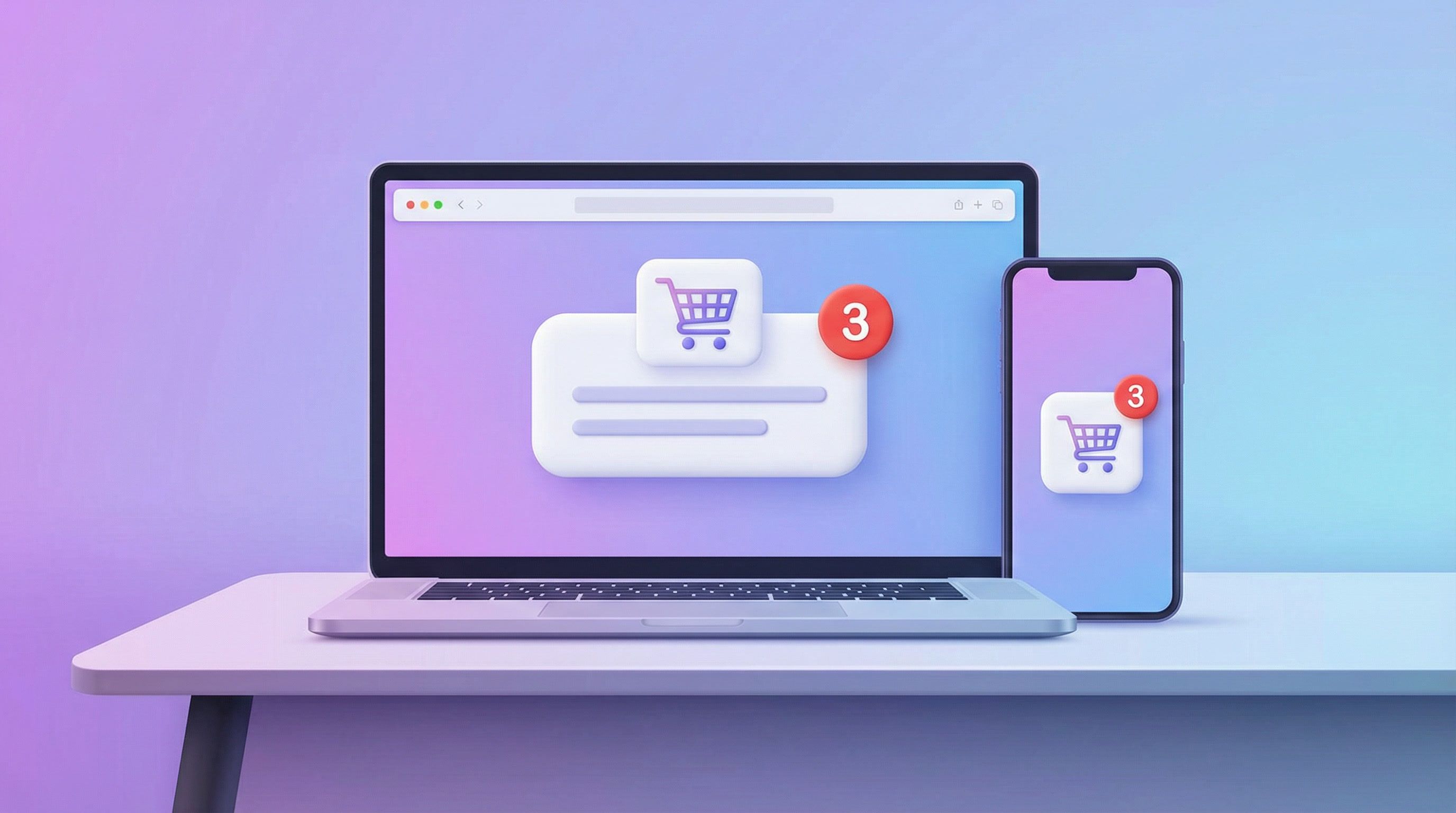
Web push notifications. Zero cost per message. Reaches anonymous visitors who never gave you their email. Delivers instantly. Works even when the browser is closed.
This is the untapped opportunity in cart recovery. Here's everything you need to know.
What are web push notifications?
Web push notifications are messages that appear in a user's browser or device—even when they're not on your website. They look like system notifications: a small popup with a title, message, and optional image.
Unlike SMS or email, push notifications:
- Don't require contact information (no email or phone needed)
- Cost nothing to send (no per-message fees)
- Deliver instantly (no carrier delays)
- Work across devices (desktop and mobile browsers)
The catch: users must grant permission first. But that's actually a feature—these are people who've already opted in to hear from you.
Why isn't everyone using push for cart recovery?
Three reasons:
1. Most cart recovery tools don't support it. Klaviyo, Recart, Omnisend—none of them offer push notification cart recovery. You'd need a separate push tool like PushOwl, then somehow connect it to your cart data.
2. Push is seen as "marketing" not "recovery." Most push apps focus on promotional blasts, not automated cart abandonment flows. The infrastructure exists, but the use case isn't built.
3. Email and SMS are the defaults. Merchants know those channels. Push feels unfamiliar, so it gets ignored.
This is exactly why push is an opportunity. While competitors fight over the same SMS and email subscribers, you can reach an entirely different audience—for free.
The numbers: push vs SMS vs email for cart recovery
| Metric | Push | SMS | |
|---|---|---|---|
| Cost per message | $0.00 | $0.01-0.05 | $0.001-0.01 |
| Open rate | 50-70% | 90-98% | 15-25% |
| Click rate | 10-20% | 15-30% | 2-5% |
| Delivery speed | Instant | 1-30 seconds | 1-60 seconds |
| Requires contact info | No | Yes (phone) | Yes (email) |
| Works for anonymous visitors | ✅ Yes | ❌ No | ❌ No |
The killer feature: anonymous visitor recovery.
Think about it. Most of your cart abandoners never give you their email or phone. They add items, browse around, and leave. With email/SMS, those visitors are gone forever.
With push, you can still reach them—if they've subscribed to notifications. And since push opt-in is low-friction (one browser prompt), subscription rates can hit 5-15% of traffic.
The "Push-First" recovery strategy
Smart cart recovery starts with free channels and escalates to paid only when needed.
Here's the sequence Revenue Boost uses for maximum recovery at minimum cost:
| Step | Timing | Channel | Message | Cost |
|---|---|---|---|---|
| 1 | 30 min | Push | "Your cart is waiting! 🛒" | Free |
| 2 | 2 hours | Push | "Items selling fast—complete your order" | Free |
| 3 | 6 hours | Push | "Still thinking? Your cart is saved" | Free |
| 4 | 12 hours | WhatsApp/SMS | "Hi [name], need help with your order?" | $0.02-0.05 |
| 5 | 24 hours | Full cart details + product images | $0.01 | |
| 6 | 48 hours | WhatsApp/SMS | "Last chance + 10% off with code SAVE10" | $0.02-0.05 |
Result: 40-60% reduction in messaging costs with the same (or better) recovery rates.
Why does this work?
- Push subscribers are high-intent. They literally clicked "Allow" to hear from you.
- Push delivers instantly. No inbox delays, no spam folders.
- Multiple free touches build familiarity. By the time you pay for SMS, they've seen your brand 3x.
- Fallback to paid catches the rest. Visitors without push subscriptions still get recovered via SMS/email.
How push cart recovery actually works
Step 1: Visitor subscribes to push
When a visitor lands on your store, a push opt-in popup asks for notification permission. This can be:
- Standard popup: "Get notified about deals and order updates"
- Subtle toast: Non-intrusive corner prompt
- Gamified: "Allow notifications to unlock 10% off"
- Urgency-based: "Enable notifications to save your cart"
The browser then shows the native permission prompt. If they click "Allow," you can now reach them via push.
Step 2: Visitor adds items and leaves
Your cart tracking captures the abandonment—products, cart value, checkout URL. This happens automatically via Shopify webhooks or JavaScript tracking.
Step 3: Recovery sequence triggers
After 30 minutes of inactivity (configurable), the push notification fires:
🛒 Your cart is waiting!
Hey, you left some great items behind.
Click to complete your order.
[Product Image]
The notification includes:
- Title: Attention-grabbing headline (50 chars max)
- Body: Personalized message (150 chars max)
- Image: Product thumbnail or store logo
- Click URL: Direct link to cart/checkout
Step 4: Click → Recovery
When they click, they land on their pre-filled checkout. No friction. Cart items are already there. One-click to complete purchase.
If they don't click, the sequence continues with additional push messages, then escalates to SMS/email.
Real push notification examples for cart recovery
Here are the exact message templates that work:
Message 1: Friendly reminder (30 min)
Title: 🛒 Your cart is waiting!
Body: Hey, you left items behind. Complete your order before they sell out.
Message 2: Urgency nudge (2 hours)
Title: ⏰ Items in your cart are selling fast
Body: Don't miss out! Your cart is saved, but popular items go quickly.
Message 3: Helpful check-in (6 hours)
Title: 💬 Still thinking about it?
Body: Your cart is saved. Need help deciding? We're here if you have questions.
Message 4: Discount offer (24 hours)
Title: 🎁 15% off your cart!
Body: Use code SAVE15 to complete your order. Limited time offer.
Message 5: Last chance (48 hours)
Title: 🚨 Final reminder: Cart expires today
Body: This is your last chance! Complete your order before items sell out.
Pro tips for push copy:
- Keep titles under 50 characters
- Keep body under 150 characters
- Use emojis sparingly (1 per message max)
- Include urgency without being spammy
- Always provide value, not just "buy now"
Browser compatibility and limitations
Push notifications work on:
- ✅ Chrome (desktop + Android)
- ✅ Edge (desktop + Android)
- ✅ Firefox (desktop + Android)
- ✅ Safari (desktop + iOS 16.4+)
- ✅ Opera, Brave, and Chromium-based browsers
Limitations to know:
- iOS Safari: Requires iOS 16.4+ and user must add site to Home Screen for full functionality
- Incognito/Private mode: Push subscriptions don't persist
- Notification blockers: Some users disable all browser notifications
Despite limitations, 70-80% of web traffic supports push notifications. That's a massive audience you're currently ignoring.
How to set up push cart recovery (with Revenue Boost)
Revenue Boost is one of the only Shopify apps that combines push notifications with cart recovery in a single platform. Here's how to set it up:
1. Enable push notifications
Go to Settings → Channels → Push and toggle it on. Revenue Boost automatically generates the VAPID keys needed for push authentication.
2. Create a push opt-in campaign
Navigate to Campaigns → New Campaign → Push Opt-in. Choose your popup style:
- Standard: Clean, centered modal
- Subtle Toast: Non-intrusive corner notification
- Gamified: "Enable notifications to unlock reward"
- Urgency: "Allow notifications to save your cart"
3. Configure targeting
Set when the push opt-in appears:
- Trigger: After 2+ page views, scroll depth, exit intent
- Audience: New visitors only, returning visitors, specific countries
- Frequency: Once per session, once per 7 days, etc.
Don't ask for push permission immediately. Wait until visitors have engaged with your content.
4. Set up cart recovery sequence
Go to Cart Recovery → Settings and select the "Push-First" template. This automatically:
- Sends 3 push notifications before any paid channel
- Escalates to SMS/WhatsApp only if push fails
- Stops the sequence if cart is recovered (no duplicate messages)
5. Customize message templates
Edit the default push messages to match your brand voice. Include:
- Store name in the title
- Personalization tokens (customer name, product name)
- Product images (show what they're abandoning)
- Direct checkout link
6. Launch and monitor
Enable the campaign and watch your analytics. Track:
- Push subscription rate
- Push notification delivery rate
- Click-through rate
- Recovery rate by channel
- Cost per recovery
Push notification compliance: what you need to know
Unlike SMS (TCPA) and email (CAN-SPAM/GDPR), push notifications have lighter regulatory requirements. But best practices still apply:
Do:
- Explain why they should subscribe before showing the browser prompt
- Only send relevant, transactional notifications (cart recovery counts)
- Provide a way to unsubscribe in your site settings
- Respect notification preferences
Don't:
- Spam with promotional messages unrelated to their cart
- Send notifications at odd hours (respect timezone/quiet hours)
- Make it difficult to unsubscribe
- Mislead about what notifications they'll receive
Revenue Boost automatically respects quiet hours (no notifications 9pm-9am local time) and stops messages after cart recovery.
Push vs competitors: why most tools don't offer this
| Feature | Revenue Boost | Klaviyo | Recart | PushOwl |
|---|---|---|---|---|
| Push cart recovery | ✅ Yes | ❌ No | ❌ No | ❌ No* |
| Push + SMS + Email | ✅ All in one | ❌ Email only | ❌ SMS only | ❌ Push only |
| Unified contact | ✅ Yes | ❌ Separate | ❌ Separate | ❌ Separate |
| Push-first sequences | ✅ Yes | ❌ N/A | ❌ N/A | ❌ N/A |
| Cost per push message | $0.00 | N/A | N/A | $0.00-0.005 |
*PushOwl sends push notifications but doesn't have automated cart recovery flows connected to cart data.
The problem with using separate tools: your contacts are fragmented. A visitor might have push + email + SMS subscriptions, but your tools don't know they're the same person. You end up sending duplicate messages across channels.
Revenue Boost solves this with contact reconciliation—automatically merging identities across touchpoints so you never double-message.
FAQ: Push notification cart recovery
How many visitors will subscribe to push?
Expect 5-15% of unique visitors with a well-timed, well-designed opt-in popup. Gamified opt-ins (offer reward for enabling) can push this to 20%+.
Do push notifications work on iPhone/iOS?
Yes, as of iOS 16.4 (March 2023). Safari supports web push on iOS, though users need to "Add to Home Screen" for the best experience. Desktop Safari has supported push since macOS Ventura.
How do push notifications compare to mobile app notifications?
Web push works without an app install—that's the advantage. Mobile app push has higher engagement but requires users to download your app first. For most Shopify stores, web push is more practical.
Can I use push for more than cart recovery?
Yes. Push works for back-in-stock alerts, flash sale announcements, shipping updates, and more. But cart recovery is the highest-ROI use case—automated, triggered by real abandonment.
What if someone blocks push notifications?
If they deny the browser permission prompt, you can't reach them via push. That's why multi-channel matters—fallback to SMS/email for visitors without push subscriptions.
How fast do push notifications deliver?
Instantly. Unlike email (which can be delayed by spam filters) or SMS (carrier queues), push notifications are delivered in under 1 second in most cases.
Get started with free cart recovery
Push notifications are the most underused channel in cart recovery. Zero cost, instant delivery, and the ability to reach anonymous visitors make it a no-brainer.
Here's your action plan:
- Install Revenue Boost on your Shopify store
- Enable push notifications in Settings → Channels
- Create a push opt-in popup with smart targeting
- Select the "Push-First" recovery template to start with free channels
- Monitor your subscriber growth and recovery rate
Most stores can build a push subscriber list of 5,000+ within their first month. That's 5,000 visitors you can now reach for free—forever.
Stop paying for every cart recovery message. Start with push.
Ready to boost your conversions?
Get started with Revenue Boost in 60 seconds.
Install on Shopify - Free